You may see a macOS message that Music Phrase Pyramids is from an unidentified developer.
This is expected for early-stage independent software.
To open the app:
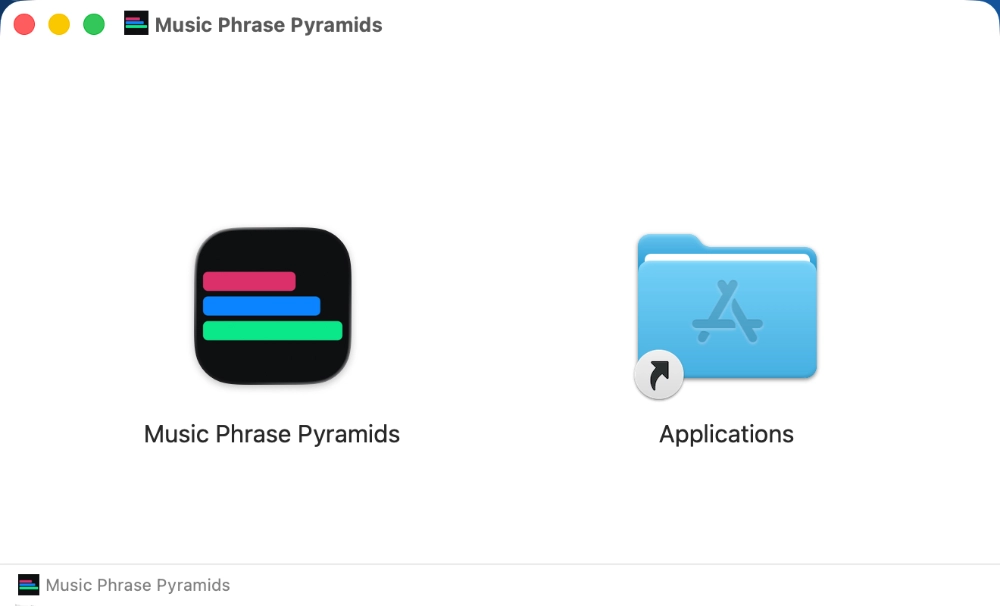
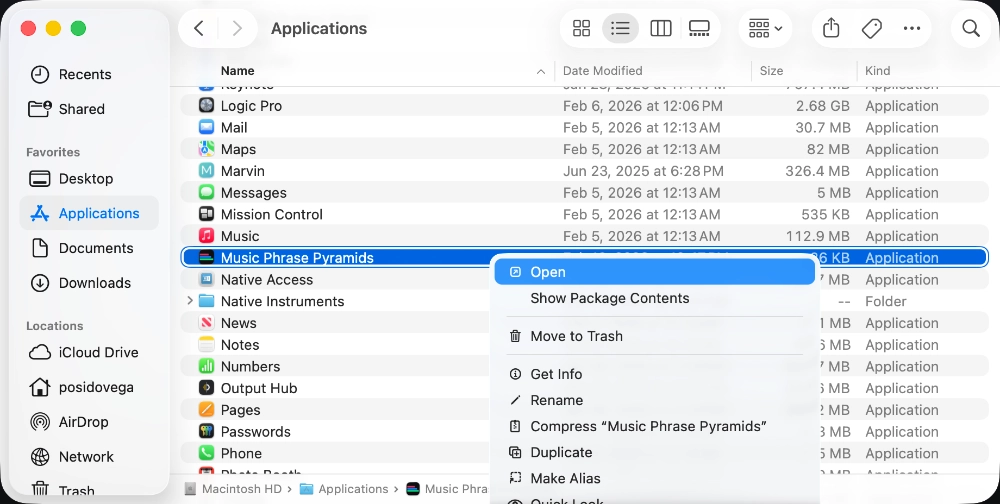
Open your Applications folder
Right-click (or two-finger click) Music Phrase Pyramids
Click Open
Click Open again in the confirmation dialog
After this first launch, the app will open normally in the future (including from the Dock).
If macOS still blocks the app:
Open System Settings → Privacy & Security
Scroll to Security
Click Open Anyway next to Music Phrase Pyramids
Confirm Open
Apple notarization is currently in progress for future releases.